Okuma 5000/5020 CRT to LCD Replacement Guide: Plug-and-Play Retrofit Without Modification
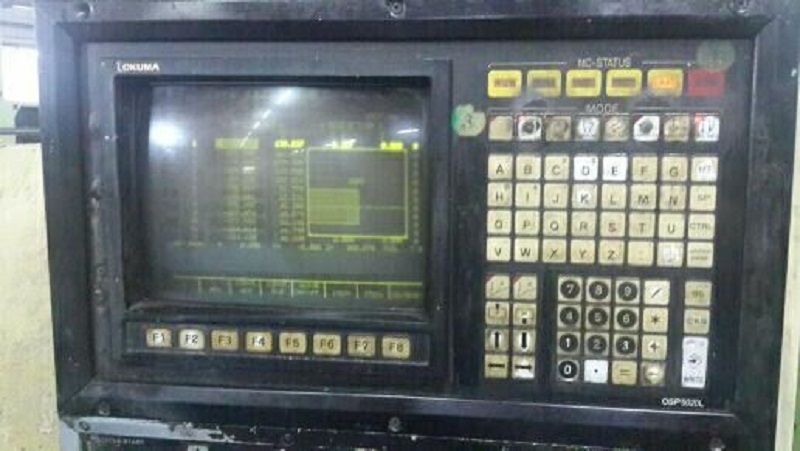
In mold processing and precision machining workshops, Okuma OSP 5000 and 5020 series CNC machines have been the workhorses for over a decade. The original 12-inch CRT displays are now facing widespread aging issues: blurry images, high-voltage arcing, color distortion, and discontinued parts. When they fail, machine downtime directly impacts production.
The optimal solution is to replace them with dedicated industrial LCD displays — plug-and-play installation with no circuit modification, no system flashing, and direct fit-in-place replacement. This article provides a complete retrofit guide with product photos and step-by-step instructions.
1. CRT Failure Symptoms and Why Retrofitting is Necessary
Original Okuma 5000-5020 CRT displays operating long-term in harsh workshop environments (oil, vibration, high temperature) suffer from irreversible degradation:
- Blurry images and fuzzy text edges make it difficult to read parameters during programming and tool setting;
- Severe color shift and dark corners cause eye strain during extended operation;
- High-voltage circuit boards are prone to breakdown, creating electrical leakage and fire hazards;
- Original CRTs have long been discontinued; used parts are expensive, short-lived, and lack warranty, with long lead times that severely disrupt production schedules.
Industrial LCD retrofit solutions offer sharp image quality, low power consumption, shock/dust resistance, long lifespan, and high cost-effectiveness — making them the essential choice for legacy machine upgrades.
2. Compatible Models and Hardware Matching
Compatible Models: Okuma OSP 5000, 5000L, 5020, 5020L, 5020G, 5020M full series CNC systems.
Interface protocol, resolution, and mounting holes are fully matched. No machine wiring changes, no system flashing, no internal circuit modifications required. Native compatibility with direct replacement.
3. Industrial LCD Product Photos
Front View (Original Mounting Compatibility)
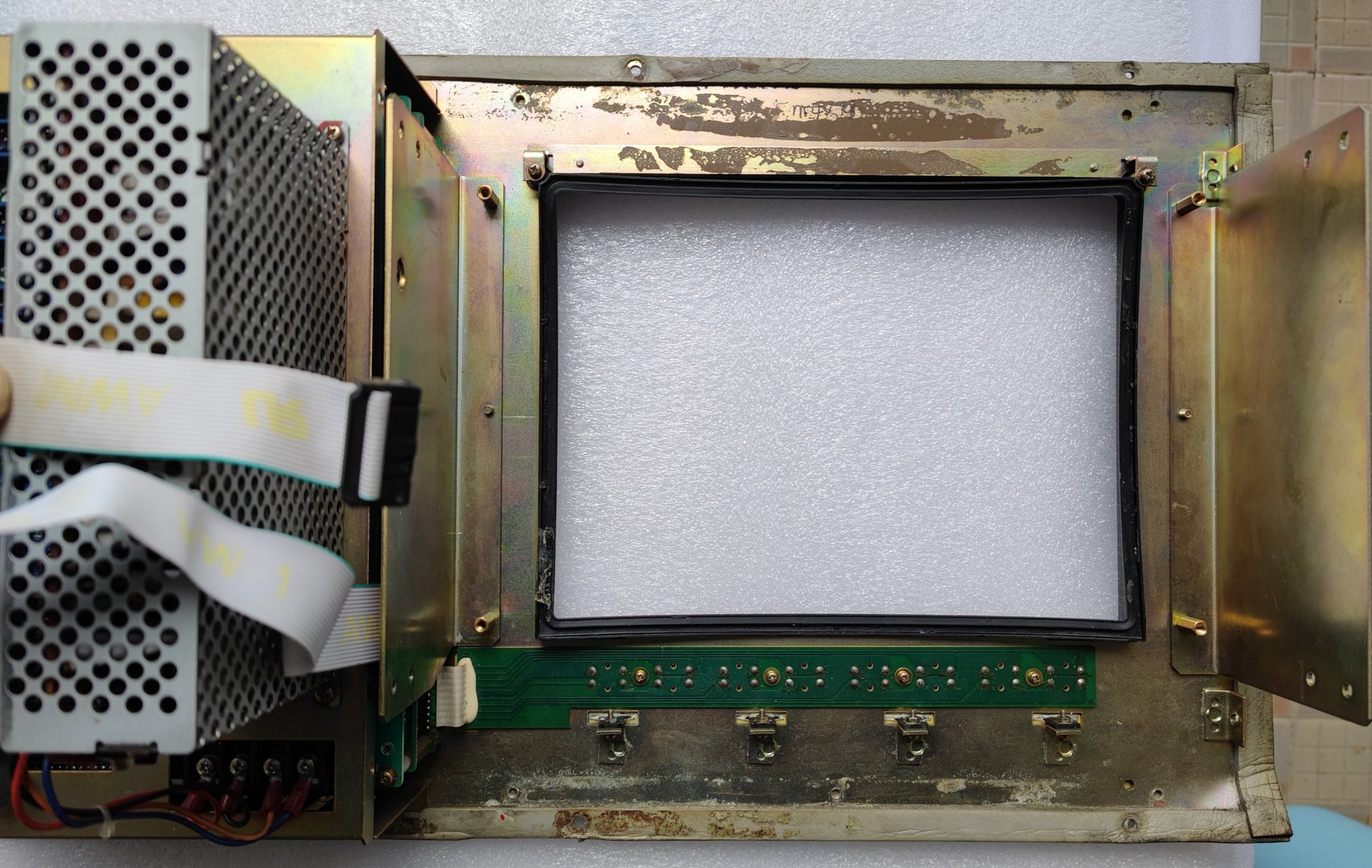
The dedicated LCD uses the exact same mounting panel design as the original CRT, with 1:1 matching hole positions and dimensions for direct fit-in-place installation — no additional machining of the machine panel required. Industrial-grade metal housing resists dust and oil, suitable for harsh workshop environments.
Rear View & Accessories Kit (Complete Plug-and-Play Set)
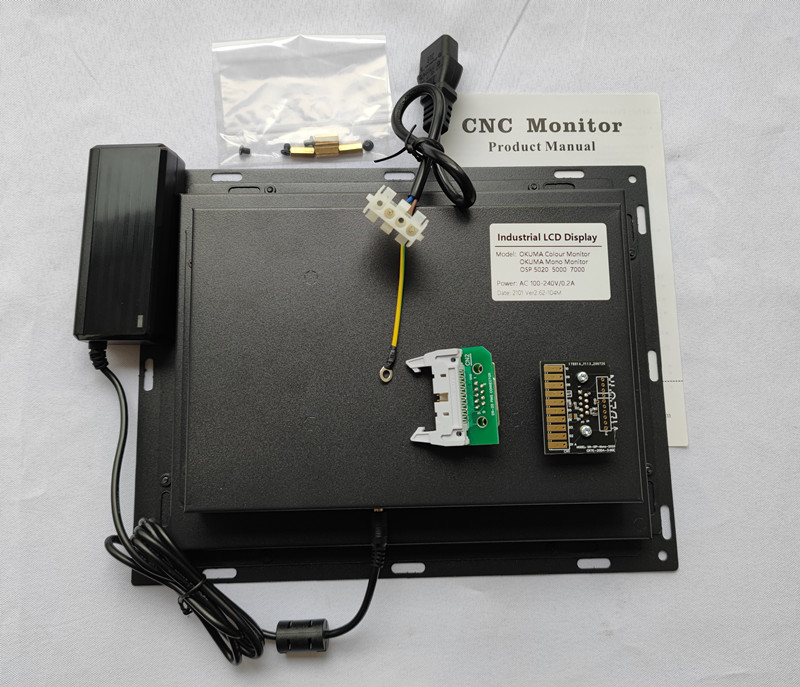
The product includes a complete retrofit kit: industrial LCD main unit, dedicated signal adapter board, original power adapter, mounting screws, and instruction manual — no additional parts procurement needed, ready to install out of the box. The adapter board natively supports Okuma's 20-pin video interface for true plug-and-play, eliminating the risk of wiring errors that could damage the board.
4. Step-by-Step Installation Process
Safety: Power Down and Discharge
Completely power down the machine tool and wait for the CRT high-voltage pack to fully discharge. Remove the original display panel cover, document power and signal cable positions, and take photos to avoid connection errors.
Remove the Old CRT Assembly
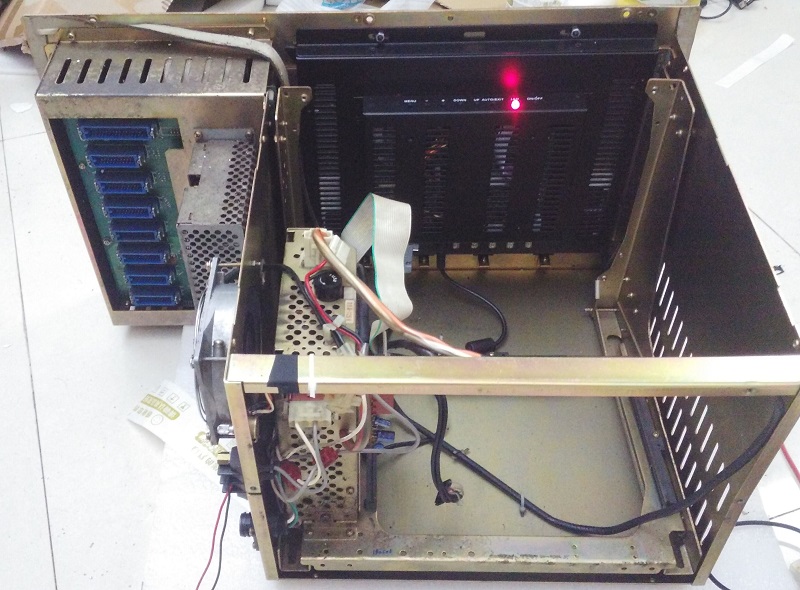
Unscrew the surrounding mounting screws, extract the bulky old CRT assembly, clean dust and oil from inside the cabinet, and prepare a clean installation space.
Align and Install the Industrial LCD
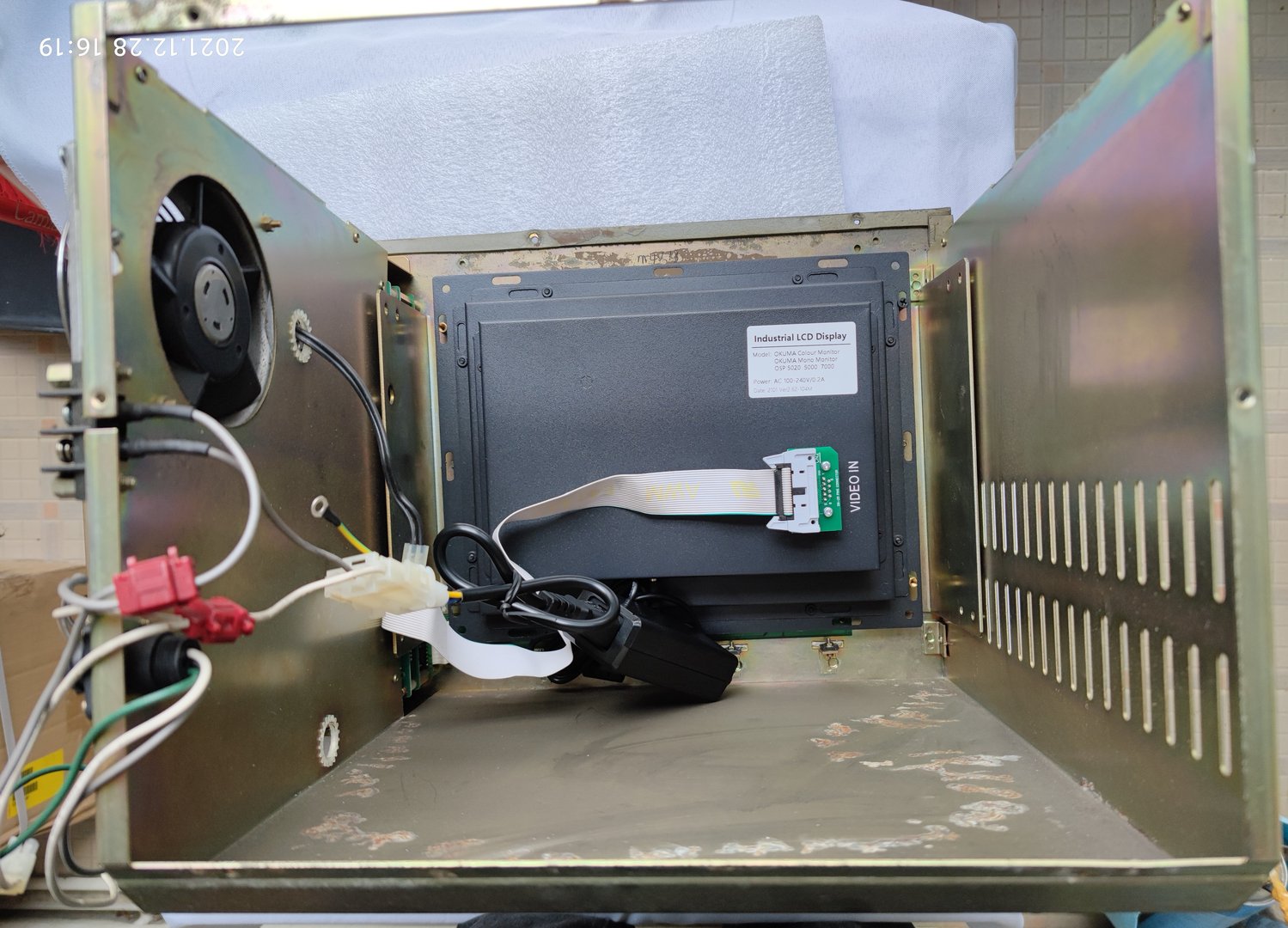
Place the new LCD into the original CRT mounting position, align the 4 mounting holes, secure with original screws, and neatly bundle the cables without interfering with the cabinet structure. The dedicated adapter board plugs directly into the original machine video cable — power and signal connected in one go, no jumper settings or pin modifications needed.
5. Post-Installation Results and Key Advantages
Installed System Interface Photo
After installation and power-up, the screen displays full-screen with no black borders, no stretching, no offset. System interfaces, parameter menus, and machining graphics simulation are all perfectly adapted. Compared to the old CRT's spherical blurry image, the LCD offers high definition, high brightness, sharp fonts, and true color reproduction — parameters, coordinates, and program code remain clearly visible even under bright workshop lighting.
Key Advantages Summary
- Superior Display Quality: Sharp text, stable flicker-free images, reducing eye strain during extended operation.
- Significantly Improved Stability: LED-backlit industrial screen with wide temperature range, shock resistance, dust and oil protection — runs 24/7 without screen artifacts or crashes.
- No Modification, Saves Labor: Original mounting holes, native interface plug-and-play. Regular electricians can complete installation in about 1 hour without affecting production schedules.
- High Cost-Effectiveness: Replacement cost is only 50% of CRT refurbishment, with extended warranty periods. One retrofit provides years of worry-free operation, eliminating repeated downtime for repairs.
- Low Power Consumption, Safer: No high-voltage transformer circuit. Power consumption drops from 150W (CRT) to 30W (LCD), saving over 1,000 kWh annually. No high-voltage leakage hazards, safer for workshop use.
6. Application Scenarios and Recommendations
For all Okuma 5000 and 5020 system machines currently in service, as soon as screen aging, blur, flicker, or blank display issues appear, don't waste time on old CRT repairs. Adopt the dedicated LCD retrofit solution: original position installation, no machine modification, perfect display adaptation, long-term maintenance-free operation — solving legacy machine display pain points in one go, allowing equipment to continue stable service for years to come.